Tuesday Talk 3/12/24
By Konstantinos on
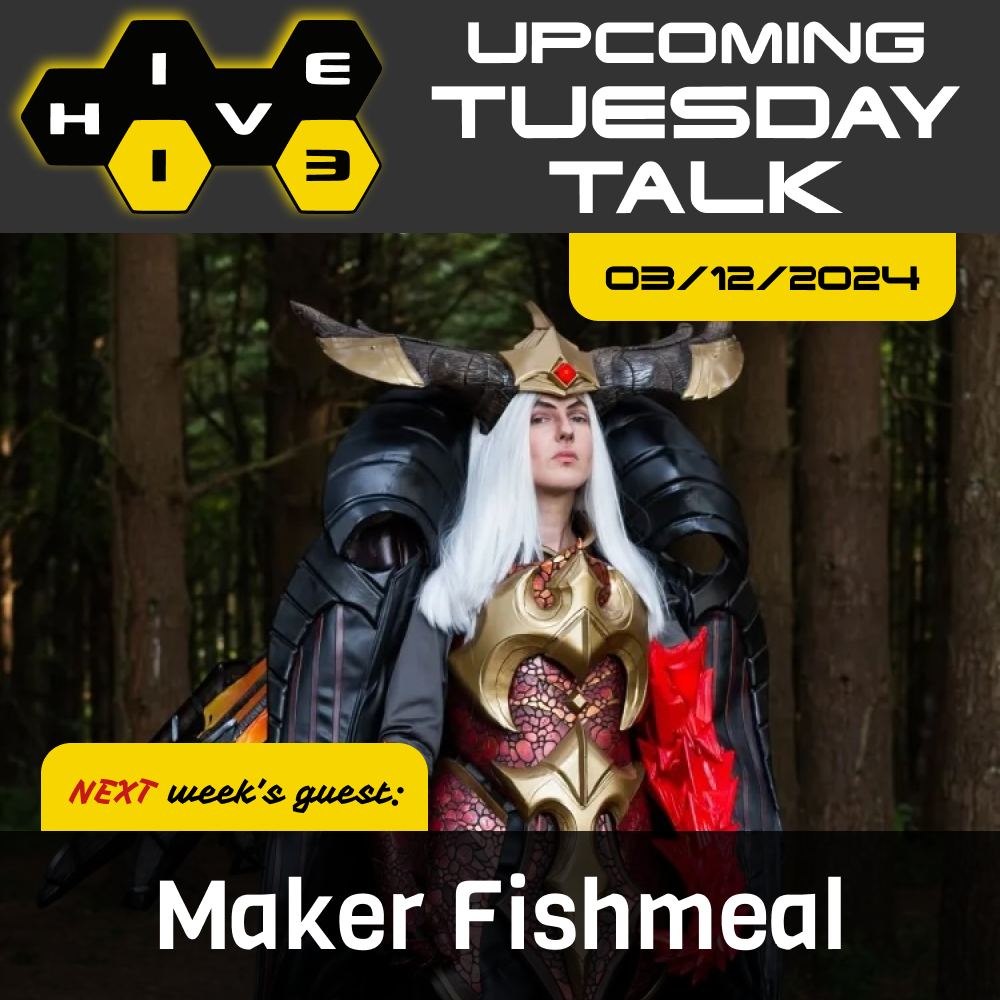
Greetings Hivemind! We have a super exciting guest next week. Our friend, Maker Fishmeal (Annye) will be joining us for a talk on foamsmithing. We are so excited to have them as our guest and to learn how to be true friends of foam.
Some more about Maker Fishmeal: EVA foam can be a maker's bread and butter: from armor to props, from leather to wigs, from feathers to leaves, you can truly make almost anything with foam! Join Annye / Maker Fishmeal to learn the entire foamsmithing process from choosing foam to detailing and weathering, including tips on the best ways to get started and what supplies you'll need. Includes lots and lots of hands-on examples so you can see for yourself the miraculous material! Annye is an award-winning cosplayer and teacher from Dayton. Their first book, The Ultimate Guide to Glue, released in February and is available from major book retailers.



Tuesday Event: Hive13 Fight Night
By Konstantinos on
Join us tonight after our weekly meeting for HIVE13 FIGHT NIGHT! An evening of fighting games and Mario Kart for fun and glory. Can you back up your trash talk or will you button mash your way out of the bracket? Bring your custom fightpads, most annoying mains, and no Johns. See you soon!
Tuesday Talk: Spin (Yarn) to Win
By Konstantinos on Under yarn, spining yarn
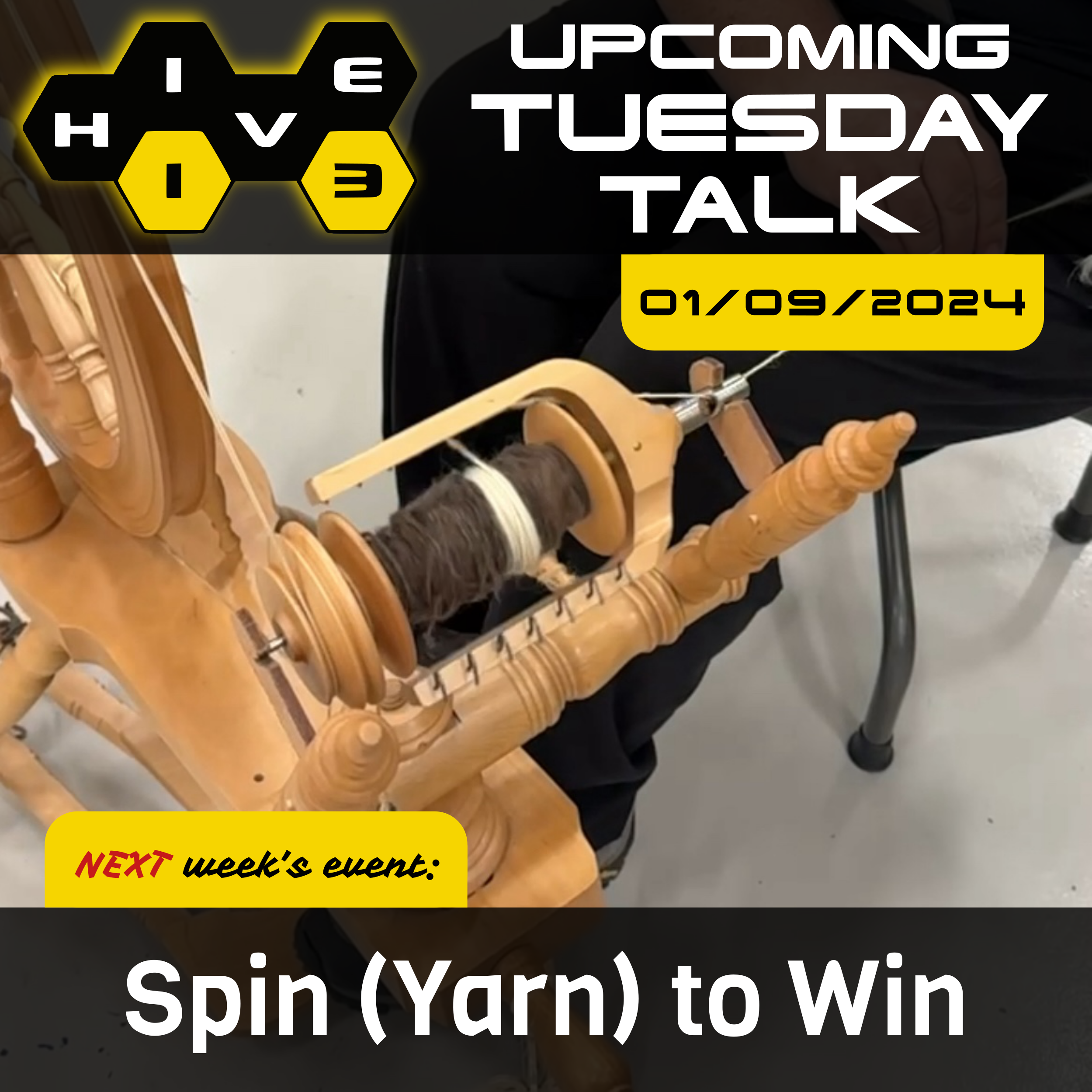
We have an exciting, maybe dizzying, Tuesday Talk next week! Members Kate C. and Kostas P. are joining forces to bring us some wooly, warm, comfy goodness in spinning demos and group class. There will be spinning wheel, e-wheel, and drop spindle demos with a group class on 3D printed Turkish drop spindles. All skill levels welcome, just don’t drop your roving!
Tuesday Talk 11/8/22
By Konstantinos on Under Tuesday Talks, bikes
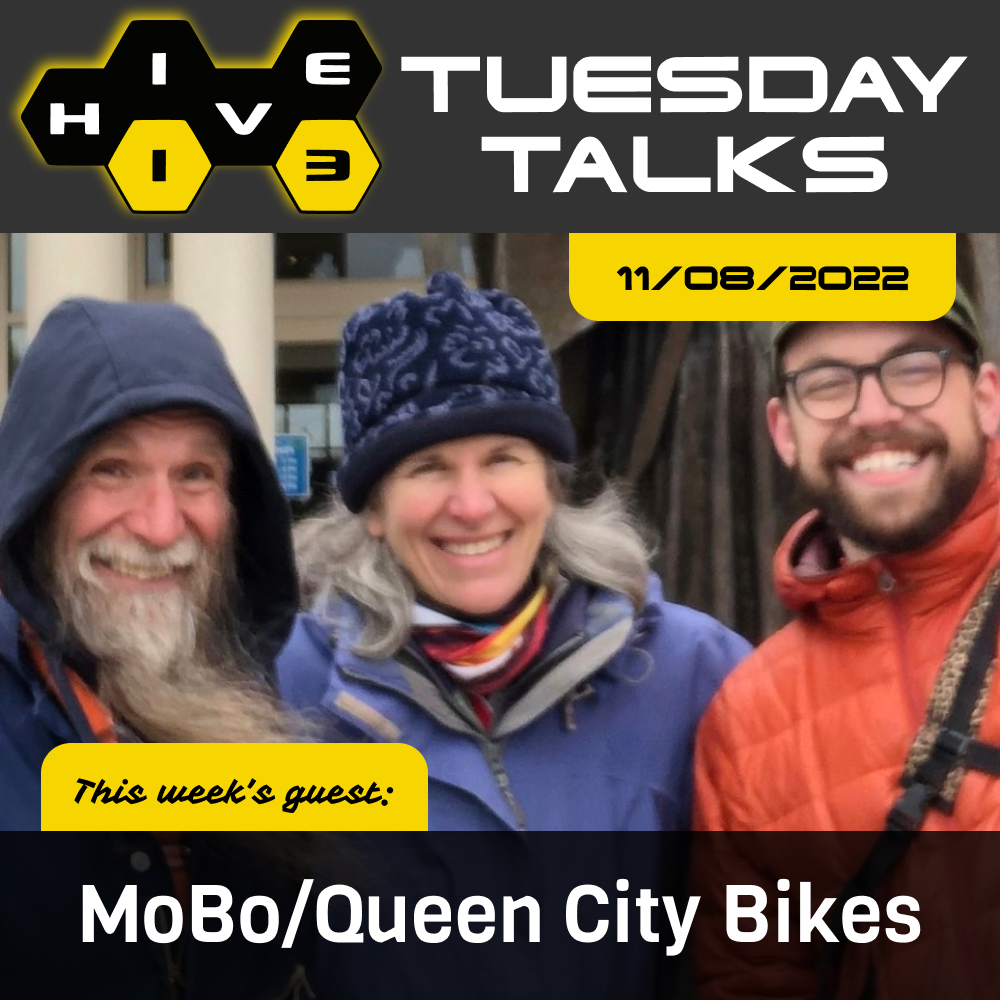
Greetings Hivemind! Our Tuesday talk this month is from the lovely folks at Queen City Bikes and MoBo Bicycle Co-op! Here's some more info about our guests.
Join us for "All the Buzz about Bike Repairs" to learn about essential roadside repairs and the mechanical principles behind them!
Our presenters are Fraser Cunningham of MoBo Bicycle Co-op, Kathy Cunningham of Queen City Bike, and Vincent Wilson, who donates his knowledge and time to both organizations.
All three are frequent volunteers at the "Pop-up Bike Shop" series—free bike repairs that MoBo and QCB host all over the city (along with support from Tri-State Trails and Cincy RedBike). All three have been riding and tinkering with bikes since their youth, and share a common goal of empowering more people to ride and enjoy the freedom and low-cost/low-impact mobility that bikes make possible!
Fraser is a retired mechanical engineer from GE Aviation, with a passion for understanding how things work—and how to make them better! Kathy is a retired bioscientist and consultant who also applied her knowledge to endurance athlete coaching for several years. And Vincent is a software engineer who deeply values self-education and versatility, with a knack for dreaming up playful inventions and hacks in his workshop.
Check out Queen City Bikes:
Check out MoBo Bike Co-op:
Tuesday Talk 9/13/22
By Konstantinos on Under Tuesday Talks, chocolate
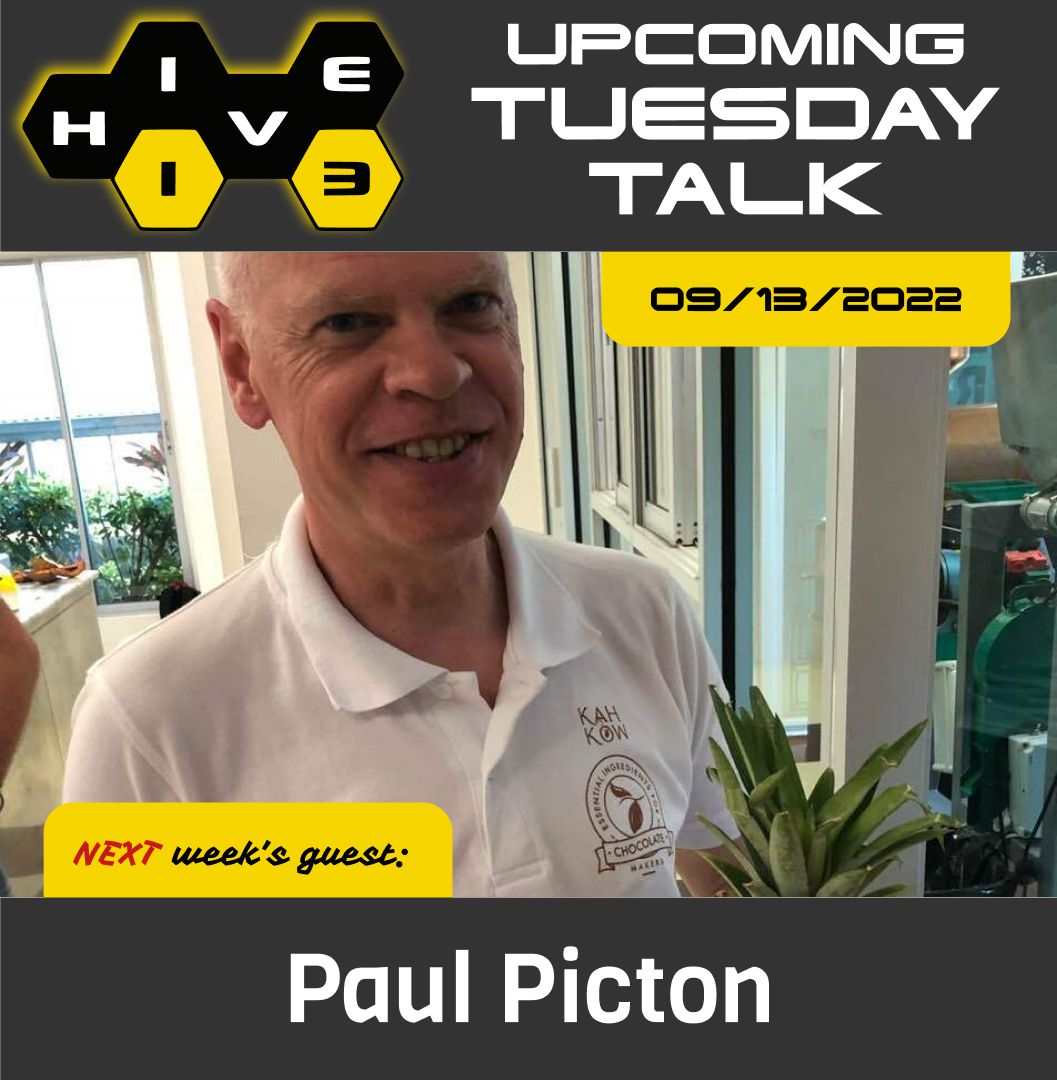
This month we have a sweet pretty sweet Tuesday Talk speaker! Paul Picton is a Hive13 member and an expert chocolate maker. His talk this month will be about how to make chocolate on a small scale so make sure to come hungry!
More about Paul:
Paul Picton is a mechanical engineer who changed careers in 2013 to become a chocolate maker. Along with his wife, Marlene, and their son, Ben, they own and operate the Maverick Chocolate Co. in Cincinnati, Ohio. Maverick Chocolate has two stores: the original in Findlay Market – opened in 2014 and the flagship store in Rookwood Commons – opened in 2018. Their chocolate has received numerous national and international awards including six Good Food Awards. Maverick Chocolate employs 12 people.
Paul previously was the Sales Director for MTU Aero Engines – a division of Mercedes Benz. Paul spent seven years at Delta Airlines and three years in GE Aircraft Engines
Paul mentors numerous food-based entrepreneurs in Cincinnati. He is active in his neighborhood community of Newport, Kentucky. Paul is originally from Canada and immigrated to the USA in 1996.
Check out Maverick Chocolate at their Findlay Market location and Rookwood locations.